Connect your phone and tachograph
Enable ITS data and pair the phone. Compare the PIN on both devices before confirming. Connect the tachograph here, then choose “Read driver card”.
First connection ↓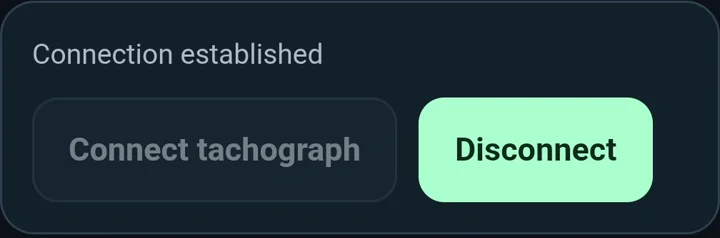
TachoCommand connects your Android phone to a supported tachograph and reads your driver card. Review driving, work, availability and rest, with up to 56 days of history available on your card.
A clear view of your driver-card records — for professional bus and truck drivers, including those still learning to use a tachograph.
Free open beta · no account or purchase
Android · Chrome VDO DTCO 4.1 / 4.1a

After a card read, your activities become easier to review. Revisit a specific day, understand how your shift unfolded and check driving totals for a period.
Enable ITS data and pair the phone. Compare the PIN on both devices before confirming. Connect the tachograph here, then choose “Read driver card”.
First connection ↓Connect to the tachograph inside the app, then choose Read driver card. Keep the app open and wait for confirmation that the card was processed and saved. Then explore History, Periods and Attention. Connect and read only while parked.

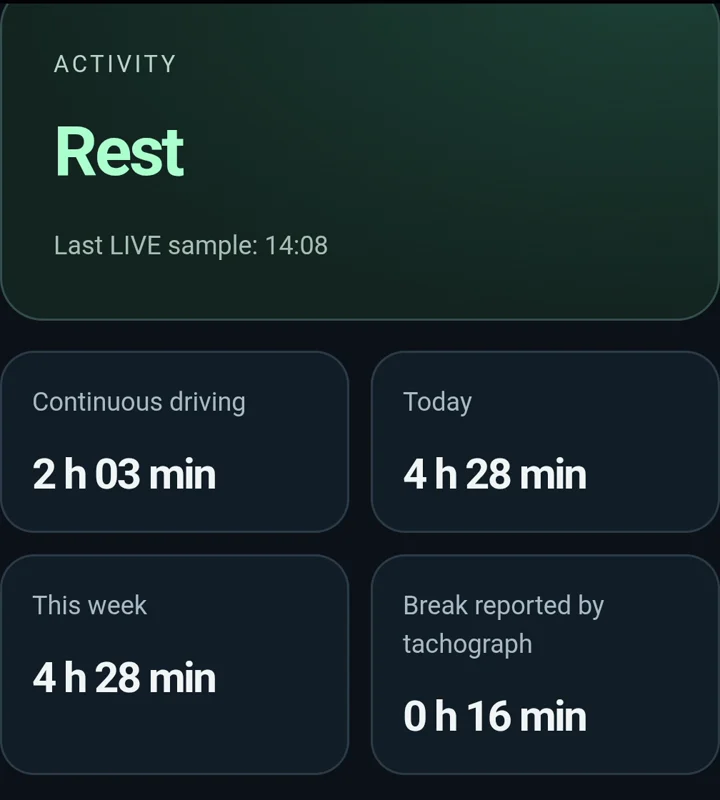
Confirmed data shows activity, continuous driving, driving today and this week, and the break reported by the tachograph. A timestamp tells you how recent the data is.
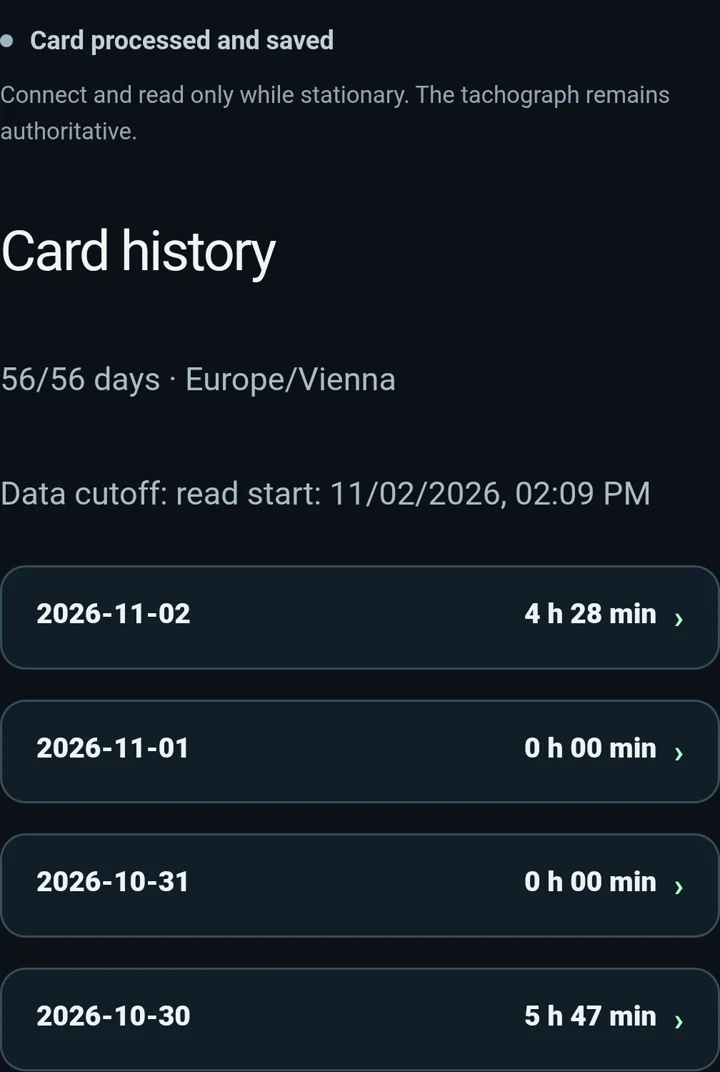
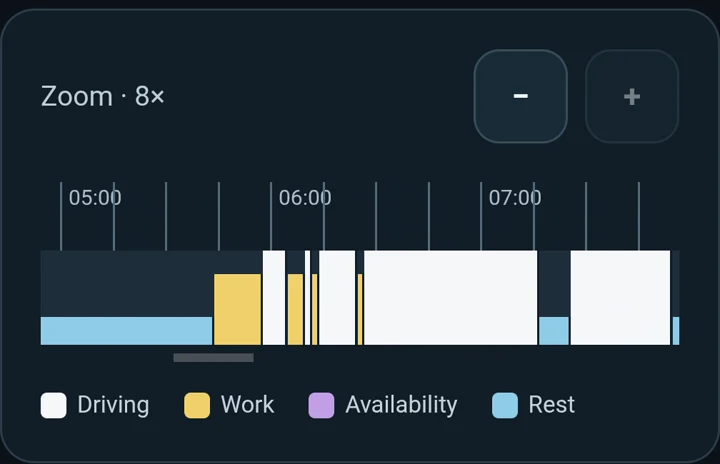
Open a day from up to 56 days of available history. Review the activity sequence, a timeline where times are complete, and totals for driving, work, availability and rest.
Choose a date in History. Follow the recorded sequence of driving, other work, availability and rest. The available timeline and totals help you understand how your shift was made up.
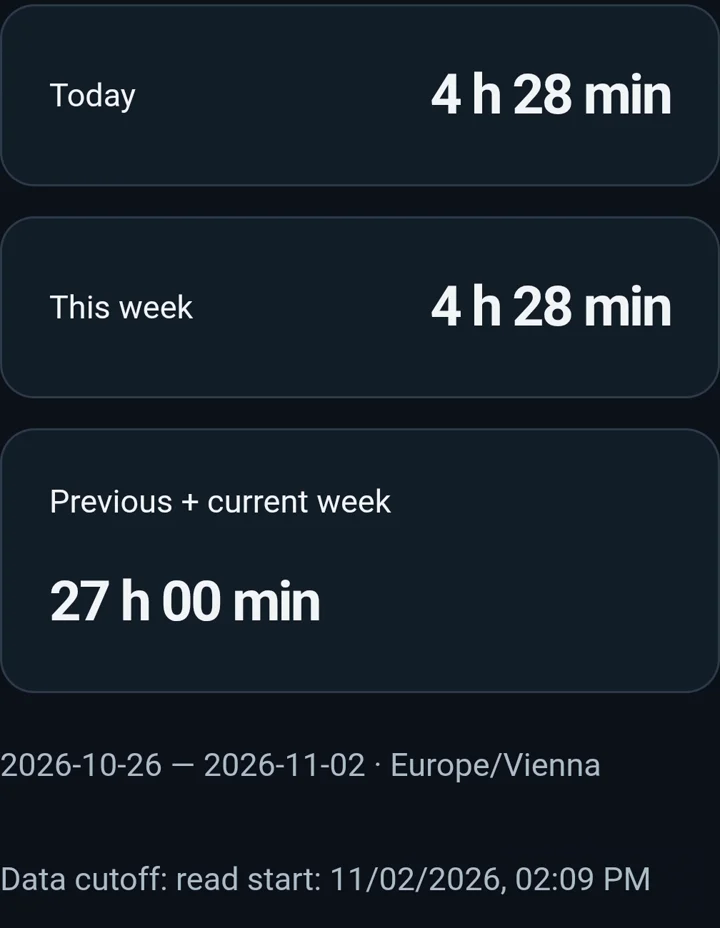
The Periods tab shows driving totals for today, the current week and the two-week period. The app marks incomplete coverage when data is missing.
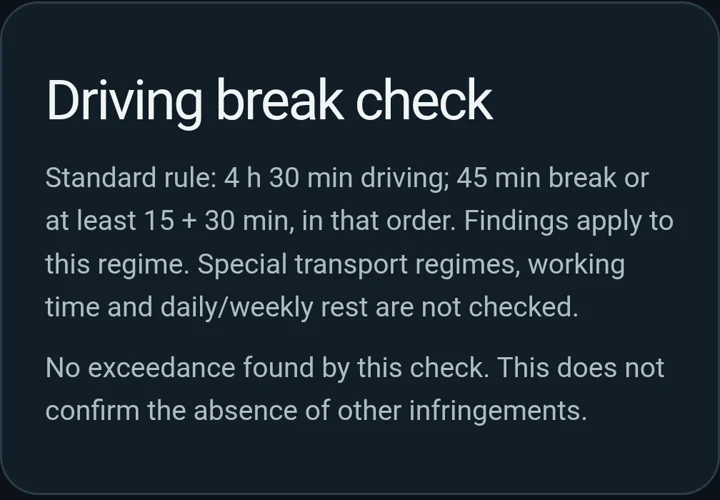
The Attention tab checks available history against the standard driving-break rule after 4 h 30 min of driving. It helps identify periods to review; it is not a complete infringement analysis.
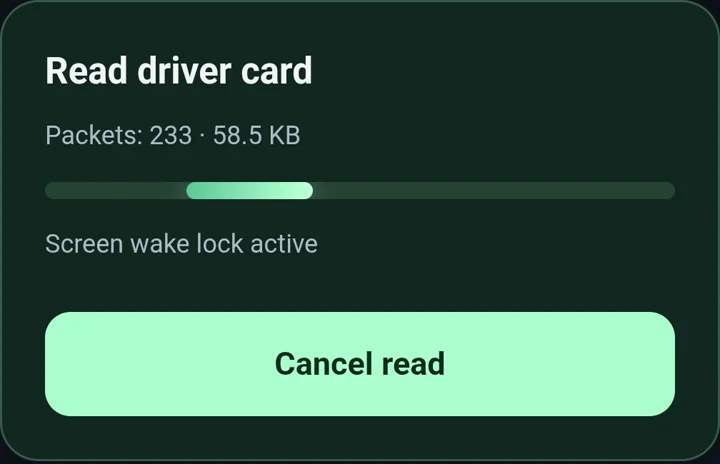
Recorded in a bus: confirmed LIVE data and a driver-card read, packet by packet.
269 packets · 67.3 KB · completedMenu names depend on device language. These steps cover the verified 4.1a; other versions require testing.
If the device is missing, check Bluetooth, Nearby devices permission, ITS and the card slot. Do not delete existing pairing as the first step.
For this connection method, open TachoCommand in Chrome on your Android phone. You can install it to your home screen using the install option. If you arrive from Instagram, open the page in Chrome so Bluetooth connection is available.
The verified setup is VDO DTCO 4.1 / 4.1a, your own card in slot 1 and Android with Chrome. Enable ITS data and pair your phone with the tachograph. Other models and iPhone/Safari are not confirmed for this method. Use the First connection guide on this page.
Connect to the tachograph inside the app, then choose Read driver card. Keep the app open and wait for confirmation that the card was processed and saved. Then explore History, Periods and Attention. Connect and read only while parked.
No. LIVE data has a last-sample timestamp. A saved card is a snapshot from a previous read, with a cutoff at the start of that read. Reading again refreshes the history; a saved view does not update itself as you drive.
The app shows records that are available and successfully read from the card, up to 56 days in this view. Incomplete coverage is marked. Missing data does not mean zero hours or confirmation that everything is correct.
The open beta is free, with no account or purchase. Once saving is confirmed, the overview stays locally in that browser. Under Card, export a user CSV overview or delete local data. This CSV is not an official DDD file.
Choose a date in History. Follow the recorded sequence of driving, other work, availability and rest. The available timeline and totals help you understand how your shift was made up.
Use Periods to see driving totals for today, the week and the two-week period. Go beyond a single total: return to individual days and see what your card recorded.
Compare your card records with what you did. Distinguish driving from other work, availability and rest. If something is unclear, you have a specific day and time to review with an experienced colleague.
A proven download does not establish support for every model. Other tachographs and iPhone/Safari are not confirmed for this path. A basic driving-break check under the standard 4 h 30 min rule is available. It is not a full infringement analysis or DDD signature verification.
Card history is processed and stored locally. Limited technical telemetry supports diagnostics; it excludes driver names, raw card data and location. See the privacy policy for details.
Open free beta
Access for everyone, without sign-in, email confirmation, purchase or a time limit during the open beta. Cross-check times on the official tachograph.
Open beta app